



Your sales rep uses AI to clean up an email. Your operations manager asks it to reconcile a spreadsheet. Someone else leaves an agent building a dashboard while they take a call. All three call it “using AI,” but they are asking for very different amounts of work.
That is why “which model should we use?” and “what is eating our usage?” belong in the same conversation. A model that works well for a long, messy analysis may be unnecessary for sorting ten support requests. And the last sentence you typed is only part of what an agent may read, write, and do before it finishes.
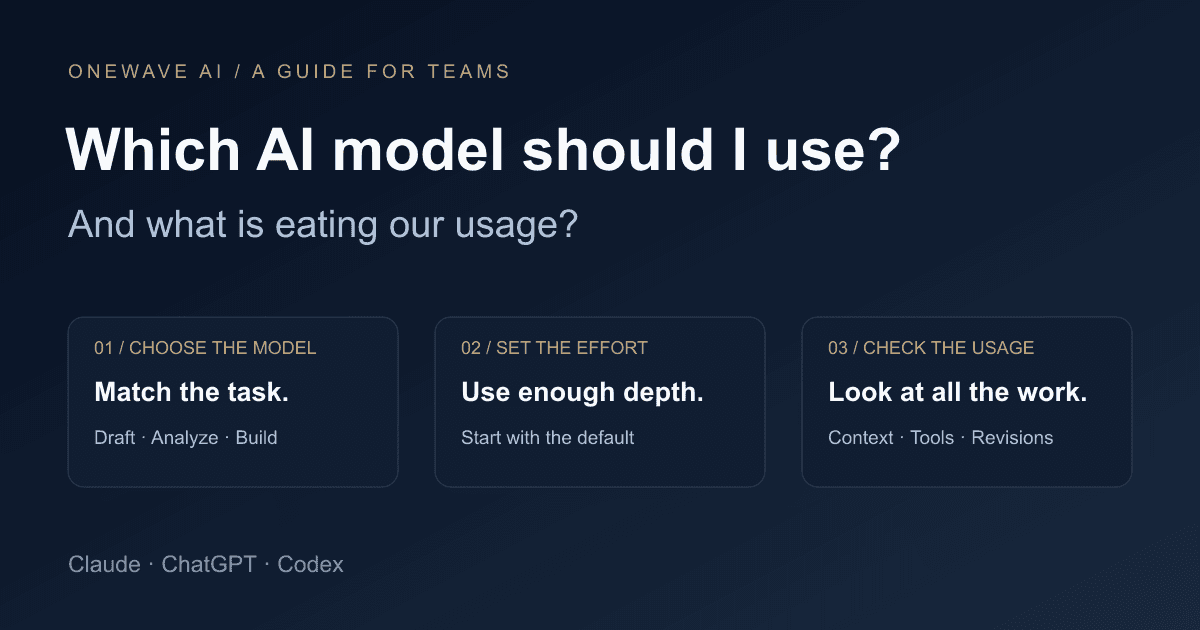
Our starting recommendation for business teams: choose a model for the task, keep its effort at a sensible default, and measure the useful result. A higher-tier model earns its place when it resolves a problem that matters or avoids repeated rework.
First, separate the product, model, and effort setting
The product is the workspace where you work: Claude, ChatGPT, ChatGPT Work, Codex, or Claude Code. It determines which files, tools, connections, and interfaces are available. The model handles the reasoning and output. The effort setting changes how much reasoning it applies to a response.
A stronger model does not create a missing CRM connection. It cannot make yesterday's export current. When a workflow fails, check the source data and available tools before assuming you need to move up a model tier.
In Work or Codex, the model and reasoning controls are beneath the composer. Higher reasoning takes longer and uses more tokens. Check the current OpenAI model documentation for the options on your surface. Names, access, and defaults can vary by plan and workspace; this guide was checked on October 8, 2026.
A practical model shortlist for teams
OpenAI's current guidance positions Luna for scoped, frequent work, GPT-6.1 Sol for complex work where time and cost matter, and Astra for demanding analysis. Anthropic's current lineup includes Haiku 5.5 for extraction and routing, Sonnet 5.5 for a balance of speed and intelligence, Opus 5.5 for agentic coding and knowledge work, and Fable 5.1 for demanding reasoning and longer tasks. See the OpenAI selection guide and Anthropic model overview.
The table below is our suggested starting point, based on those documented roles. It is not a head-to-head benchmark or a promise that every model is available in your account.
| Team task | Claude starting point | Work / Codex starting point | When to move up |
|---|---|---|---|
| Extract fields or sort tickets | Haiku 5.5 | GPT-6 Luna | Ambiguous cases need deeper review. |
| Draft a follow-up or team recap | Sonnet 5.5 | GPT-6 Luna; try Sol for nuanced drafts | The draft misses tone, facts, or commitments. |
| Reconcile a report from several files | Sonnet 5.5 | GPT-6.1 Sol | Definitions conflict or discrepancies remain. |
| Build a team dashboard or small app | Sonnet 5.5; Opus for complex builds | GPT-6.1 Sol in Codex | The build needs substantial planning or debugging. |
| Evaluate a difficult business decision | Opus 5.5; Fable for harder cases | GPT-6 Astra | Important assumptions remain unresolved. |
For routine work, test the lighter option on examples whose correct answer you know. For complex work, start with a capable model rather than spending an afternoon correcting an unsuitable one. Anthropic's API overview recommends Opus 5.5 as a general starting point; our table emphasizes matching everyday team tasks to a model with an appropriate level of capability.
Effort is a separate decision
An email rewrite and a messy reporting discrepancy can use the same model with different effort settings. Start with the default. Raise effort when the job requires resolving conflicting evidence, planning several connected steps, or investigating a persistent failure. Lower it for straightforward work after checking the result.
Claude's effort and thinking controls are distinct. Its current Haiku 5.5, Sonnet 5.5, Opus 5.5, and Fable 5.1 models do not let you turn thinking off in the Claude app. Use effort to adjust the depth of work rather than relying on a universal “turn thinking off” tip. See Claude's model and effort guide.
The setting earns its cost when the output improves. More words, a longer wait, or a more polished explanation are not evidence that a calculation is correct.
What is actually using your allowance?
Look at the whole job. Claude documents message and attachment size, conversation length, tool use, model choice, effort, Artifacts, and multi-step work as usage factors. See its usage guidance. OpenAI likewise lists model choice, context, reasoning, tools, retrieval, and caching as factors. Prompt length alone cannot reliably predict consumption. See its usage and pricing documentation.
Here are the patterns we would look for in a team's workflow:
- A small request inside a large chat. “Update the summary” may involve a long history of reports, decisions, and tool results. Keep unrelated jobs separate and carry forward a short approved brief when you start a new phase.
- Files that are bigger than the question needs. If the task concerns this month's pipeline, supply the relevant records and definitions. Uploading years of exports can add work while making the right information harder to find.
- Repeated searches and revisions. An assistant asked to research, draft, redesign, and check several versions is doing several jobs. State the audience, sources, output, and completion criteria before it starts.
- Background tasks and parallel agents. Review active work and scheduled runs. If you have launched multiple attempts at the same job, include all of them in your audit rather than watching only the chat in front of you.
- A premium setting on a routine task. Check the selected model, reasoning effort, and speed mode. Faster response modes can have different usage rates; inspect your product's current guidance before making them the team default.
A concrete example: “make our weekly dashboard” could mean reading a CSV and drawing three charts. It could also mean joining several sources, resolving mismatched customer IDs, building an interface, testing filters, and repeatedly changing the design. Write down which of those jobs you are asking for. That makes both the output and usage easier to assess.
Usage limits, context, credits, and API billing mean different things
A usage limit governs how much work your account can do during a period. A context window governs the information a model can work with in a conversation. A credit balance pays for eligible consumption under a product's billing rules. API billing follows the rates for API calls. Reaching one of these limits does not necessarily mean you have reached the others.
Claude's paid plans have session and weekly limits; its help center says usage across Claude chat, Desktop, and Claude Code counts toward the same usage limit. A long-chat warning is a separate issue from exhausting the account's allowance. See Claude's usage-versus-length explanation.
OpenAI says ChatGPT Work and Codex share usage. API token prices are separate from included subscription usage, so an API price table cannot tell you how many tasks your subscription will run. Consult the usage dashboard for your actual windows, remaining allowance, and reset times.
This is why we would avoid telling a team that one prompt always costs a particular percentage of its plan. Task size, product, model, settings, and billing arrangement all affect the answer.
How to investigate a sudden jump in usage
- Read the meter label. Identify the account, product, time window, and whether the number means used or remaining. A weekly meter and a session meter answer different questions.
- Note its reset time. Check whether you are near the end of a window before comparing two screenshots. Keep the timezone attached to the reset time.
- List active work. Include other chats, coding sessions, scheduled jobs, and tools that share the allowance. Pause obsolete recurring jobs.
- Inspect one representative task. Record its model, effort, source size, tool use, and number of revisions. Compare it with a narrower version that still meets the same acceptance criteria.
- Change one variable at a time. Try a smaller source set, then a different effort setting, then a different model. Check output quality at every step. Meter changes can be coarse or delayed, so treat this as a practical comparison.
On eligible Claude plans, Settings > Usage shows session and weekly progress plus reset information. Claude's usage guide also explains project caching, which can reduce consumption when you reuse the same material. For Codex, the OpenAI usage dashboard shows current limits; /status is available in an active CLI session. Use those account-specific figures rather than a generic message estimate.
Give the team a simple default and an escalation rule
Pick three recurring tasks and five representative examples of each. Include one with missing information and one with an ambiguity your team knows how to handle. Run the same inputs on two candidate models using comparable settings.
Score factual correctness, completeness, required edits, and time to an approved result. If the lighter model consistently meets the standard, make it the starting point for that task. If a stronger model saves substantial review or fixes a material failure, document when the team should use it.
Use our approved template and supplied source material. Return the required fields, flag missing information, and do not invent commitments. Finish when every field is filled or marked for review. If the sources conflict, identify the conflict before drafting a recommendation.
Save those instructions as a skill so the team can repeat the workflow. Give the skill an owner, keep its examples current, and rerun the comparison when a model changes. Your model policy should describe the work and the standard it must meet.
If you want help choosing defaults and building useful workflows around them, explore our AI training for teams or talk to OneWave. Bring the tasks your people repeat and the outputs they already trust; those are the best starting point for a model test.