



Our team's Claude account holds 171 published artifacts as of today. One of them is a sales funnel dashboard we refreshed this morning. Another is a price board that a scheduled job rebuilds from live model pricing and republishes to the same link every few days. On a single day last week we built more than a dozen for one software client's product demo: a demo hub, a preview deck, a release video, a social graphic, a proposal and a recap kit.
We do not use artifacts as a novelty. They are where a growing share of our actual work ends up. So when Anthropic launched Claude Sheets, Claude Whiteboards and Claude Data today, November 10, 2026, we read it less as a feature drop and more as the last pieces of a pattern falling into place.
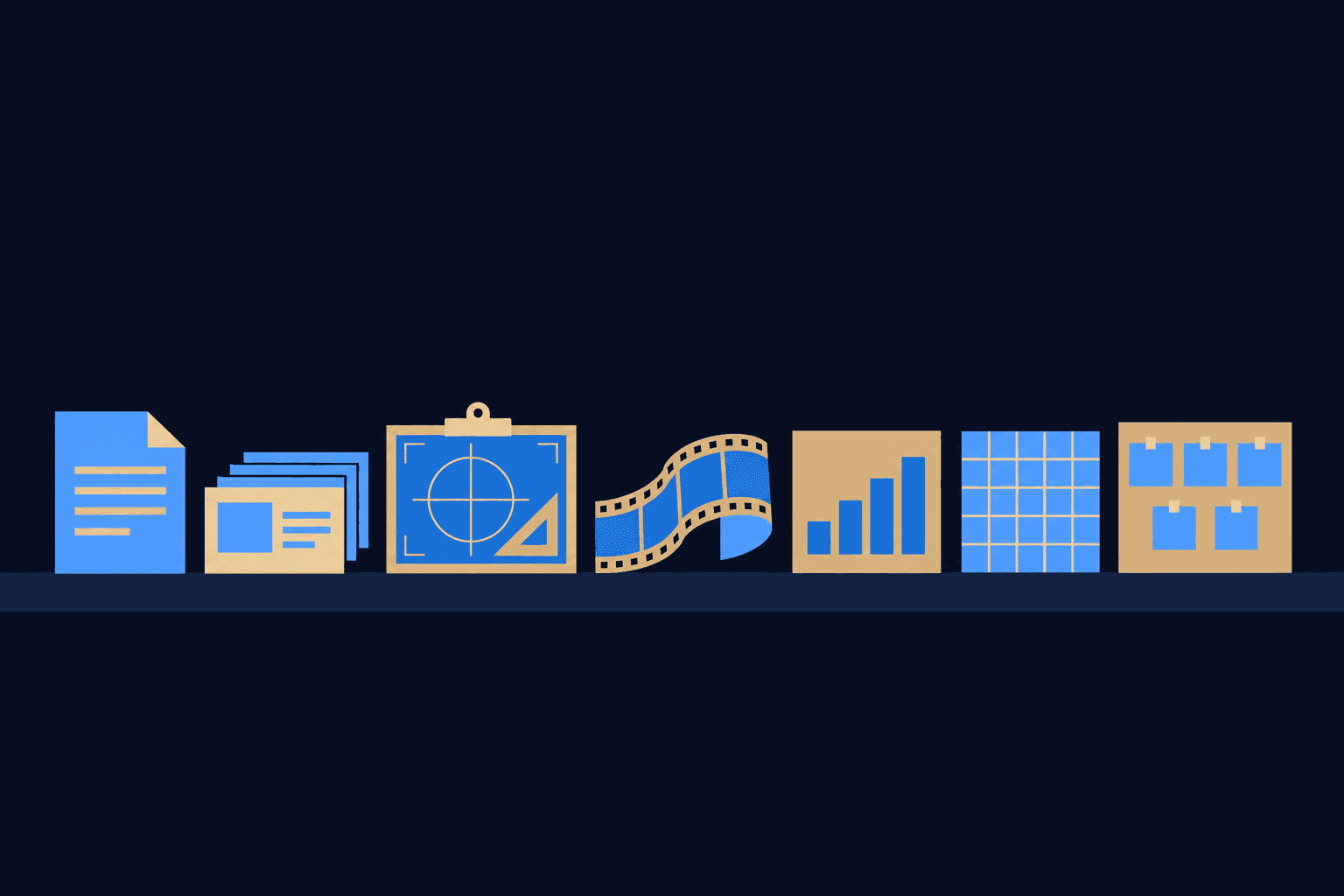
Claude now has seven artifact types: Docs, Slides, Design, Motion, Data, Sheets and Whiteboards. Below is what each one is, who it is for, and an interactive demo of every type that you can click through right here. At the end is our take on what Anthropic is actually building.
| Artifact type | Overlaps with |
|---|---|
| Claude Docs | Word, Google Docs |
| Claude Slides | PowerPoint, Google Slides |
| Claude Sheets | Excel, Google Sheets |
| Claude Data | Power BI, Looker, Tableau |
| Claude Design | Figma, Canva |
| Claude Motion | After Effects, explainer tools |
| Claude Whiteboards | Miro, Lucid, FigJam |
What is a Claude artifact now?
An artifact used to mean one thing: a block of code or a small app Claude produced in the side panel of a chat. That version still exists, but Anthropic now calls those legacy artifacts. According to Anthropic's help center, artifacts made in chat before September 16, 2026 keep working, but you cannot make new ones.
The new artifacts are typed. Each one is a specific kind of work object with its own editor, its own export formats and its own sharing rules. A Doc behaves like a document. A Sheet behaves like a spreadsheet. Claude writes into them, you edit them, and teammates open the same link. That is the shift that matters: an artifact is no longer something Claude hands you at the end of a chat. It is the place the work lives afterward.
The timeline, in three drops
- September 16, 2026: Docs, Slides and Design move into conversations. Design had launched as a standalone Anthropic Labs product in April.
- October 8, 2026: Anthropic launches Dashboards and Motion in beta and takes Docs, Slides and Design out of beta on every plan, including Free.
- November 10, 2026: Sheets and Whiteboards arrive in beta on paid plans, and Dashboards becomes generally available under a new name, Claude Data.
Three releases in eight weeks. The standalone Claude Design site at claude.ai/design closes on December 14, 2026, according to the admin guide for Team and Enterprise plans. Everything is being pulled into one place.
1. Claude Docs
What it is: documents you write with Claude and your team at the same time. Claude can leave comments on choices instead of silently rewriting, and a Doc can embed charts from connected tools that Claude refreshes. Docs export to Word, PDF, Markdown and Google Docs.
Who it is for: anyone whose work product is prose that other people edit. Anthropic's own examples are onboarding guides, living specs and campaign briefs. We would add proposals, SOPs and client handbooks.
Real example: client proposals. A proposal is prose that an account lead has to approve line by line before it goes out, which is exactly what the comment model is for. Try it below.
Northline Supply · Customer handbook
How we support customers
We will try to respond to most support tickets fairly quickly. Our team works from a shared queue and escalates billing issues to finance.
The onboarding process has a lot of steps and can be confusing. Our team works from a shared queue and escalates billing issues to finance.
2. Claude Slides
What it is: decks built from your notes, which you edit slide by slide, present inside Claude, or export to PowerPoint, PDF or Google Slides as editable files.
Who it is for: sales, leadership and anyone who presents more often than they would like to design. The value is the first 80 percent: structure, hierarchy and a consistent look, in minutes.
Real example: the preview deck in that software client's demo kit. A deck that lives at a link can be reviewed the night before without anyone emailing a file.
Q4 plan
Northline Supply
Three moves for the holiday quarter
Exports: PowerPoint, PDF, Google Slides.
3. Claude Design
What it is: mockups, one-pagers and visuals made in your brand, laid out as artboards on a canvas. Design reads from a design system, so colors, type and spacing come from one source. It exports as .zip, PDF, PowerPoint or standalone HTML.
Who it is for: marketing teams, founders and product managers who need a landing page mockup or a social graphic without opening a design tool. We wrote a separate guide to Claude Design for business teams.
Real example: the social graphic in that client kit, built in the client's colors. Switch the theme below and watch every artboard follow.
Selected: Landing hero. Switch the brand theme and every artboard follows, which is the point of designing from a design system.
4. Claude Motion
What it is: animated explainers, chart animations and product walkthroughs from a prompt, exported as MP4. The distinctive part: Anthropic says Motion does not use a video generation model. Claude writes the animation as code, so you change a word, a number or a timing directly instead of re-rolling a clip.
Who it is for: product marketing, customer education and internal comms. Motion is in beta on Team and Enterprise plans only, and it hands off to Adobe, Descript, HeyGen and Runway for finishing.
Real example: a short release video, like the one in our client kit. When the animation is code, a renamed feature is an edit, not a re-render. Scrub the timeline below.
Reorders were flat all summer.
Drag to scrub. Because Motion writes the animation as code rather than generating video, changing a number or a caption is an edit, not a re-render from scratch. Export: MP4.
5. Claude Data
What it is: dashboards and data stories that show their sources. Every chart shows the query behind it and when it last refreshed. It needs a data connector, and Anthropic lists Amazon Redshift, BigQuery, ClickHouse, Databricks, Snowflake and Salesforce. Two features are still in beta: certified queries, which let a data team sign off on the definition of a metric, and live sharing.
Who it is for: operations, finance, RevOps and any leader who currently waits days for an analyst to answer a simple question. It is available on Pro, Max, Ultra, Team and Enterprise plans, and on Enterprise it turns on by default on November 19.
Real example: our own sales funnel dashboard, refreshed this morning. The habit that matters is the one in the demo: click any chart and see the query.
Signups, 4 weeks
971
vs prior 4 weeks
+23%
Best week
W4
Weekly signups, this month vs last
Certified queryW1
W2
W3
W4
Source: warehouse.signups · refreshed 14 min ago
6. Claude Sheets
What it is: spreadsheets with formulas you can check and change, plus tabs, formatting and drop-downs. New edits are outlined, so you can see what Claude touched. Sheets export as .xlsx or CSV. Anthropic is candid that the functionality is simple for now, and heavy models still belong in Excel.
Who it is for: the everyday tracker, budget or order list, which is most spreadsheets in most small businesses. Sheets is in beta on paid plans.
Real example: a supply reorder sheet like the one below. Change any quantity and watch the outlined cells and the total.
| A · Item | B · Qty | C · Unit price | D · Line total | |
|---|---|---|---|---|
| 2 | Kraft mailers | $168.00 | ||
| 3 | Shipping labels | $72.00 | ||
| 4 | Packing tape | $111.60 | ||
| 5 | Tissue paper | $45.00 | ||
| 6 | Total | $396.60 | ||
Change a quantity or price. The totals recalculate, and the cells you changed stay outlined. Exports: .xlsx, CSV.
7. Claude Whiteboards
What it is: shared boards for mapping ideas and running workshops. You can follow a teammate's cursor, and Claude groups notes by theme and drafts action items. A board can become a doc or a deck, or move to Lucid, Miro or Vani by Zoho.
Who it is for: anyone who runs a retro, a planning session or a client workshop. Anthropic's own example is a retro. Whiteboards is in beta on paid plans.
Real example: workshops are a regular part of our Claude bootcamps, and the slow part is always the hour after, turning a wall of notes into owners and dates. Press the two buttons below.
Which artifact should your team start with?
- Sales: Slides for decks, Docs for proposals.
- Marketing: Design for visuals, Motion for explainers if you are on Team or Enterprise.
- Operations and finance: Data for the weekly numbers, Sheets for trackers.
- Leadership: Data with certified queries, so the board sees one definition of revenue.
- Everyone who runs meetings: Whiteboards, then convert the board to a Doc.
Admins should check defaults before rolling anything out. On Team plans all seven are on by default. On Enterprise, Docs, Slides and Design are on, Data turns on November 19, and Sheets, Whiteboards and Motion stay off until an owner enables them, per Anthropic's admin guide. HIPAA-enabled and zero-data-retention organizations are exceptions. If you are still choosing between models, start with our Claude and GPT model guide.
Our take: Anthropic is building an operating system for work
Put the seven types next to each other and the shape is obvious. Docs, Slides and Sheets are the three files every office worker has opened since the 1990s. Data is the BI layer. Design and Motion are the creative layer. Whiteboards is the meeting layer. Add the connectors and Claude Code underneath, and Claude is less a chatbot with features than a workspace with a model at its center. The Register called it a nascent Claude-dependent productivity suite.
The chat box is turning into the start menu. Every artifact type is a program you can open from it.
Microsoft is clearly first in line. Word, PowerPoint and Excel map one-to-one onto Docs, Slides and Sheets. The Office file formats are now export options, which is exactly how you court an Office customer: let them leave with a .docx while the work itself stays in Claude. Anthropic's own line says it plainly: your documents, boards, sheets, and dashboards can stay in Claude.
The rest of SaaS is next, but look at the partner lists first. Today Miro, Lucid, Tableau, Looker, Canva, Adobe, Airtable and monday.com show up as integration partners or handoff targets. Those exits are what make an early product easy to adopt. The signal to watch is how long each export button survives as the native version gets good.
Google or Apple, which comes first? This is the interesting question. Our bet is Google. Workspace sells the same seven objects to the same buyer, and Google Docs and Google Slides already appear as export targets, which means Anthropic is already standing inside Google's customer base. Apple is a different fight. Its moat is the device and the operating system underneath, and Anthropic does not make hardware. The route there runs through the desktop app and computer use, not through a spreadsheet. We do not know which Anthropic picks. We would be surprised if it picks neither.
For a business owner, the practical consequence is simpler than the strategy. Every work object your team now creates in Claude carries the context of how it was made: the conversation, the sources, the connectors. That context is the moat. Choose deliberately where your team's documents, decks and dashboards will live, because moving them later will cost more than any license.
How we would roll this out
Pick one artifact type and one team. Run it on real work for two weeks, not a pilot deck. Decide up front who owns sharing settings and which data connectors are allowed. Then expand. This is the sequence we use in our Claude consulting engagements, and the skills that make artifacts consistent are covered in our Claude skills library.
Sources
- Claude Whiteboards, Claude Sheets, and Claude Data - Claude (Anthropic), November 10, 2026
- Build live dashboards and animate explainers with Claude - Claude (Anthropic), October 8, 2026
- Claude Artifacts feature page - Claude (Anthropic)
- What are artifacts and how do I use them? - Claude Help Center
- Artifacts admin guide for Team and Enterprise plans - Claude Help Center
- Get started with Claude Data - Claude Help Center
- Anthropic tiptoes into MS Office territory - The Register, November 10, 2026