



The Short Answer
A Claude Enterprise rollout is the work between buying seats and having a company that uses them: identity and governance set up, Claude connected to your systems, your recurring work turned into shared skills, and every role trained on its own tasks. The license takes an afternoon. The rollout takes about 90 days if it is run in the right order, and most of what decides whether it works has nothing to do with the software.
This is how we run it at OneWave, and what we have learned from the companies that call us halfway through.
What Ten Rollouts in Progress Told Us
We read every discovery-call booking we received in the last 90 days: 43 companies. Ten of them were in the middle of a company-wide Claude rollout, from a 35-seat operations company to teams planning 150 seats. Only one of the ten asked how to buy the licenses. The other nine had bought them, or were about to, and wanted help getting them used.
At least six already had Claude live somewhere in the company. What they asked for:
- Training, six of ten. Usually for leadership first, and usually after the tool had already gone live.
- Connectors to their own systems, four of ten. CRM, Microsoft 365, Slack, the accounting system. One team already had more than ten live MCP connectors and needed an architecture that would stop heavy calls from flooding the context.
- A skills library and governance, three of ten. A tax law firm moving from Claude Team to Enterprise wanted reusable skills for legal, operations and HR in place before the upgrade went live, so the value showed up in the first month instead of the sixth.
The situation behind those asks repeats. A healthcare company had Claude Code in engineering and Cowork in product and a few executives, and nothing anywhere else: adoption had stopped at the org chart. A contractor's CFO and COO had each built their own workflows in different clouds with no shared standard, and it was starting to drift.
Nobody calls us to buy Claude. They call because they bought it, a few people love it, and everyone else opened it once.
What Claude Enterprise Is Now (September 2026)
The plan changed this year, and most of what is written about it online describes the old one. According to Anthropic's pricing page, Enterprise is now "seat price + usage at API rates": US$20 per seat per month, billed annually, with usage charged on top.
- The seat buys access, not usage. Anthropic's Enterprise plan article says the seat fee "doesn't include any usage. All usage across Claude, Claude Code, and Cowork is billed separately at standard API rates." There are no per-seat usage caps, and spend controls can be set for the organization or for individual users.
- Minimums. 20 seats if you buy self-serve, 50 if you buy through sales. Below that, Claude Team covers 2 to 150 people, with standard seats at $20 and premium seats at $100 per month billed annually.
- What Enterprise adds over Team. SCIM provisioning, audit logs, custom data retention, the Compliance and Analytics APIs, customer-managed encryption keys, US-only inference, and a HIPAA-ready configuration. SSO and domain verification are on Team as well.
- Your data is not used for training by default. Anthropic's privacy center states that inputs and outputs from commercial products are not used to train its models by default.
The pricing change matters more for the rollout than for the budget. When usage is billed by consumption, an untrained seat costs you almost nothing, and it also returns nothing. Spend now tracks how well people use Claude, which makes training a line item that shows up directly in your usage report.
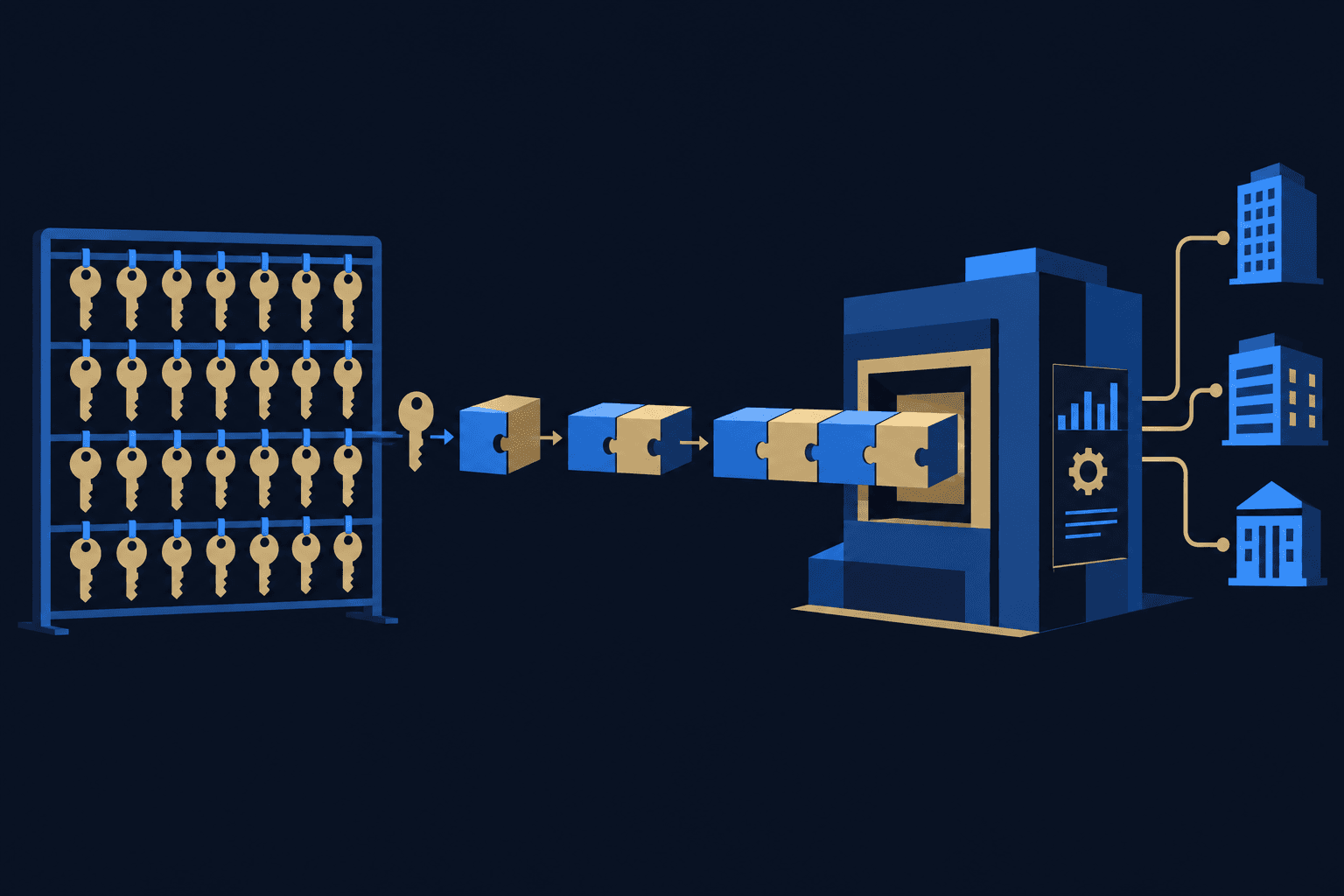
How We Run a Rollout: Five Stages, in This Order
This is the sequence we use on every Claude implementation. Anthropic's own Enterprise Administrator Guide lays out four phases (technical setup, change management and launch, enablement and training, scaling adoption), and we agree with it. The difference is where we put the weight.
1. Governance before anyone is trained
SSO, SCIM groups, roles, retention, connector permissions, and a written line on what Claude may and may not touch. IT and security sign off before the first session, because a person who spends the first hour of training fighting a login is gone for the day. We also settle the toggles that surprise people later (more on those below).
2. Leadership goes first, as a cohort
For any company over about 50 people, we start with a leadership cohort of around ten, not an all-staff webinar. The people who set direction learn Claude on their own work, then they decide where it goes next. When the rollout starts with the whole company at once, the heavy users are whoever was curious, not the people who own the workflows.
3. One real workflow per team becomes a shared skill
Every team picks one recurring task, and we train on that task, not on features. The best prompt from the session becomes a skill managed at the organization level, with a named owner. It only counts as done when it runs a second time on new data. Our 30-day training plan covers this week by week, and our open-source skills library is where most teams find their first templates.
4. Connect the data the skills actually need
Connectors come after the workflows, not before. Once we know which three tasks matter, we know which systems Claude needs to read: Microsoft 365 or Google Workspace, the CRM, the document store. Built-in connectors cover the common ones. For internal systems, we build MCP servers. Connecting everything on day one produces a Claude that can see a lot and does not know what it is for.
5. Measure by department, then build
We track weekly active use team by team, not a single company-wide number that hides the teams at zero. A month-two review decides which groups need another session and which automations come next. That list is where custom builds start. We do not recommend paying anyone, including us, to build agents before the team is trained. A trained team builds most of it themselves, and we build what they cannot or will not.
The Admin Settings That Catch Teams Off Guard
We check these before launch on every rollout, because each has caused a problem that looked like user error:
- Requiring SSO can lock people out of their personal plans. Anthropic warns that with "Require SSO for Claude" on, users not assigned in your identity provider "will be unable to access their existing Free/Pro/Team/Max accounts." Tell your early adopters before you flip it.
- Claude in Chrome turned on by default on September 10, 2026 for Enterprise organizations that had not already disabled it, per Anthropic's help center. If your policy has no line on browser agents yet, it needs one.
- Claude in Excel sits outside two controls. Anthropic's Excel documentation notes it does not inherit custom data retention settings, and its activity is not included in Enterprise audit logs. It is covered by the Compliance API, which is in beta.
- HIPAA coverage is per surface. The Business Associate Agreement is click-to-accept by the Primary Owner and cannot be undone, and according to Anthropic Cowork is not yet covered, while Claude Code is covered only with zero data retention enabled.
- Office add-ins take time to arrive. Microsoft says a centrally deployed add-in can take up to 24 hours to appear for every user. Deploy the day before training, not the morning of.
A Realistic Timeline
Anthropic recommends starting with a pilot of 50 to 100 users, choosing two or three champions per department, and watching the pilot for two to four weeks before expanding. For a company of a few hundred people, our version looks like this:
- Week 0: governance, SSO and SCIM, the policy, connector decisions, and add-ins deployed.
- Weeks 1 to 4: the leadership cohort, trained on real work, with the first skills built and running twice.
- Weeks 5 to 8: department waves led by the champions, with connectors added for the workflows that proved out.
- Weeks 9 to 12: the month-two review, adoption by department, and the first builds scoped from what the teams asked for.
Smaller companies compress this. A 20-person firm can be in weekly use within a month. The order does not change.
What It Costs
On Anthropic's side, you pay the seats plus usage, and usage is the part to model. Anthropic's consumption guide recommends rolling out higher-intensity surfaces in waves and setting spend limits by group, with the organization-wide cap kept as an emergency brake. We set those limits with finance in week 0 so the first invoice holds no surprises.
On the partner side, we price training as a monthly engagement sized to the cohort, and builds are scoped separately, starting with a fixed-fee pilot on one workflow. We do not put a number in a blog post because a 20-seat firm and a 300-seat firm are different jobs. A discovery call gets you a written proposal.
Do You Need a Partner?
Not always. A small team with a motivated internal owner can run this themselves with Anthropic's administrator guide and our free Claude implementation checklist. The cases where a partner earns the fee: more than one department at once, connectors to internal systems, a regulated workload, or a rollout that has already stalled. If you are comparing firms, start with how the Claude Partner Network works. OneWave is a member, and this is the work we do most.
Sources
- Plans and Pricing - Claude
- What is the Enterprise plan? - Claude Help Center
- How am I billed for my Enterprise plan? - Claude Help Center
- Claude Enterprise Administrator Guide - Anthropic Academy
- Claude Enterprise consumption guide - Claude Help Center
- Setting up SSO and SCIM - Claude Help Center
- Claude in Chrome for Team and Enterprise - Claude Help Center
- Claude in Excel - Claude Docs
- HIPAA-ready Enterprise plans - Claude Help Center
- Is my data used for model training? - Anthropic Privacy Center
- Centralized deployment of add-ins - Microsoft Learn