



We Read the Security Docs Before the Launch Post
xAI, now SpaceXAI, shipped Grok Bot in beta on August 11, three days before SpaceX closed its acquisition of Cursor, the company whose servers Grok Bot runs on. We read the product page, the pricing docs, and the security FAQ before the launch post, because the security FAQ is where the actual product decisions live.
The short version: Grok Bot is a real always-on agent product, not a chatbot rebrand. It also has the most permissive credential model we have seen from a frontier lab, and the docs say so plainly.
We will say this before the caveats, because it colors everything after it: we have been trying it for about a week, it is all new to us, and we love it so far. Handing a Bot a job and coming back to finished work felt the way Claude Code felt the first time we used it, the moment a category stops being a demo and starts doing the work. That is exactly why the governance questions below matter.
What Grok Bot Is, and What It Is Not
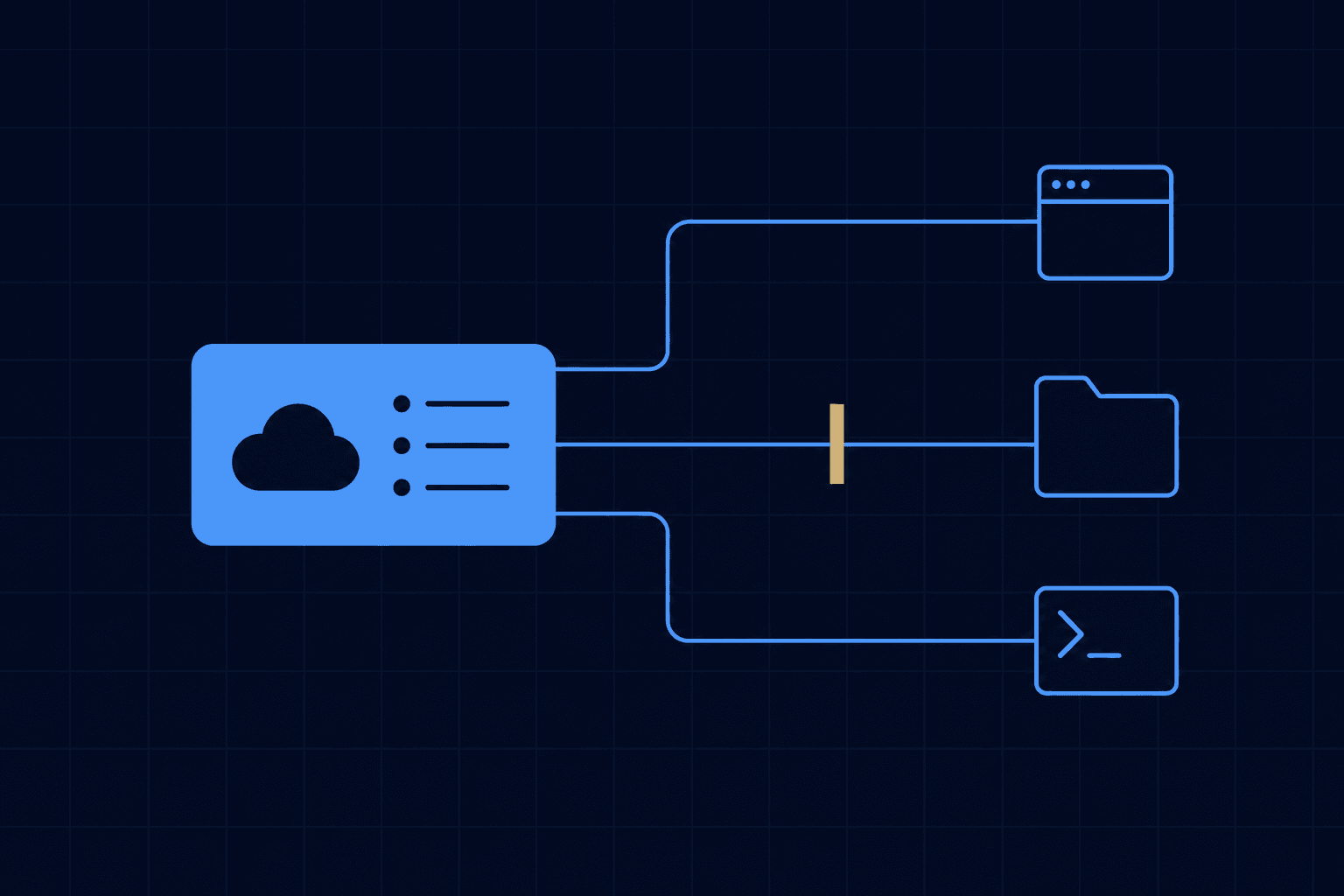
Grok Bot is not the @grok account that answers questions on X. That is a chatbot. Grok Bot is a team of agents, which xAI calls Bots, each of which gets a persistent cloud computer with a browser, a filesystem, and a terminal. You sign a Bot into your existing tools, hand it a multi-step job, and it works while you are away. It comes back only when something needs your approval.
- It does not need an API. A Bot signs into the same web apps a human would and clicks through them, so a vendor with no integration no longer blocks automation.
- It learns by watching. Show a Bot a workflow once and it saves the routine and repeats it on a schedule.
- Bots talk to each other. Multiple Bots share context in threads and run in parallel without you relaying messages.
xAI says its own teams run Bots for overnight account research, CRM cleanup, invoice processing, and bug reproduction. Those are the same jobs we wrote about when Claude gained control of the desktop. The category is crowded now, and the differences are in the plumbing.
Who Actually Runs It
Grok Bot is a SpaceXAI product — the lab renamed after the merger, and the name on the pricing page and the copyright line today — but the computers are Cursor's. The security docs state that Grok Bot runs only on Cursor-hosted machines, with no on-premises option. That follows from the corporate history: SpaceX agreed to buy Cursor for $60 billion in stock on June 16, having already merged with xAI earlier in the year, and the deal closed on August 14. Grok Bot is the first product built on the combined stack, which means your data processing agreement, residency commitments, and support escalation all run through a rocket company that owns a code editor and a model lab.
There is now a macOS client for Apple silicon, which is easy to misread. The Bots themselves have not moved onto your laptop — SpaceXAI's own FAQ is explicit that a Bot "has its own computer" and keeps running "even when your laptop is closed." The download is a front end for cloud workers, not an on-premises option, and the credential questions below are unchanged by it.
What It Costs
There is still no standalone Grok Bot SKU, but the entry price has collapsed since we first wrote this. Access now comes with SuperGrok at $30 per month, and with Cursor Pro, Pro+ and Ultra and the Teams plans. At launch the cheapest door was SuperGrok Heavy at $300 per month or Cursor Ultra at $200; that is a tenfold drop in the cost of putting an always-on agent in front of a real workflow, and it is the single biggest change to the buying decision. Enterprise is no longer a waitlist either — it is a sales conversation, with SSO, SCIM, advanced audit controls, customer-managed encryption keys and a dedicated data plane on the comparison table.
The number to watch is not the subscription. Each plan includes a weekly usage allowance whose size xAI has not published, and the docs state there is no Grok Bot-specific spend cap yet. Overage bills at Grok 4.6 token rates, and there is no model picker, so you cannot route routine work to a cheaper model. An agent that runs all day on an uncapped meter is a budgeting problem before it is a productivity gain. Have the finance conversation before the first Bot is created, not after the first invoice.
Grok Bot vs Claude Cowork, Managed Agents, ChatGPT Agent, and OpenClaw
We use Claude every day, so read this knowing where we sit. It is still the comparison we would draw for a client who asked us to be fair.
| Grok Bot | Claude Cowork | Claude Managed Agents | ChatGPT agent | OpenClaw | |
|---|---|---|---|---|---|
| Who it is for | Operators who want a delegate, not a developer | Knowledge workers on document and connector work | Developers building production agents | Individuals running browsing tasks from chat | Technical users who self-host |
| Runs where | Cursor-hosted cloud computer, US only | Your desktop, or remote sessions on Anthropic servers | Anthropic sandbox, or self-hosted sandboxes inside your perimeter | OpenAI virtual computer | Your own Mac mini or VPS |
| Always on | Yes, 24/7 with saved routines | Scheduled tasks run with the laptop closed | Yes, billed per session-hour | Per-task, message-capped | Yes, if your hardware stays up |
| Tool access | Signs into any web app as you; no API required | Connectors, MCP, browser use, computer use | MCP tunnels, credential vault, scoped permissions | Connectors plus browser takeover for logins | Messaging apps, shell, whatever you wire in |
| Price | From $30 per month with SuperGrok; uncapped overage | Included on every paid Claude plan from $20 | API token rates plus $0.08 per session-hour | Plus $20 or Pro $200; 40 or 400 agent messages per month | Free software; you pay for models and hardware |
| Audit trail | Enterprise only; action-level recording off by default | Enterprise admin controls | Every tool call traced in the Console | Enterprise compliance controls | Whatever you build |
The closest product in spirit is OpenClaw: an agent that lives in your tools and messages you. Grok Bot is OpenClaw with the hosting and credential handling taken off your plate, and the control taken with it. The closest product in governance is Claude Managed Agents, which ships scoped permissions, a credential vault, and per-call tracing as defaults but expects a developer to assemble the agent. Grok Bot sits between them, and that gap is where the security questions land. If you are also weighing Meta's personal agent, we wrote the head-to-head: Muse vs Grok Bot.
What the Reaction Has Actually Been
A month after the beta, the most striking thing about Grok Bot is what does not exist. We could not find a single hands-on review from tier-one technology press, and every review we did find explicitly discloses that it had no access. There is no published agentic benchmark either — no OSWorld, no WebArena, no comparable task-success number — and xAI has released no adoption figure for the agent product. For a launch this loud, the independent evidence base is close to empty.
What does exist is operator chatter, and it clusters on three things. The first is load. A Cursor staff member wrote on the company's own forum in late August that the model behind Grok Bot is sometimes under very heavy load and requests get rejected in waves.
The second is cost, which follows directly from the uncapped meter described above. One commenter on Hacker News put it as using fewer tokens in the previous five years than in their first month with it. In the same thread the two questions that recur are not about capability at all — they are "having a system that fails every 40 attempts is outright catastrophic," on prompt-injection resistance, and "when my bot does something illegal or negligent, who is on the hook?"
The third is the architecture change, and it is the one a buyer should weigh most heavily. At beta, xAI documented that all of an account's Bots share one cloud machine with identical file and login access. The enterprise announcement three weeks later states that each user's work runs in its own secure and isolated environment. That is a real improvement, and it is also a product that shipped with a shared blast radius and hardened it after the fact.
Grok Bot for Enterprise is available today. It's free for all Grok and Cursor enterprise customers for the next two weeks.
Set against that, security researchers disclosed a cryptographic context-injection technique in August that xAI acknowledged without shipping a patch or a timeline. It was demonstrated against Grok's chat surface rather than the agent, so we will not overstate it — but the researcher's description of the underlying design is the sentence to sit with: instructions and data parsed from an untrusted external page can drive the invocation of a privileged, internet-connected tool. That is the structural risk in every always-on agent, and it is not unique to xAI.
The Questions to Ask Before You Hand It a Login
xAI's own documentation is direct about the trade-offs. Read it as a checklist.
1. What is the credential scope?
A Bot has no identity of its own. It acts as the signed-in member and can reach anything that member can reach. Within one user, every Bot shares the same computer, and the docs tell you to treat any login or file on that computer as available to every Bot the user runs. Launch-week coverage quoted it more bluntly: do not use separate Bots as a security boundary. Create a dedicated least-privilege account for each job, and never sign a Bot into the owner's admin login.
2. Where is the audit log?
Audit logs are Enterprise only and cover admin, security, and authentication events. Action Recording, which captures what a Bot actually did, is also Enterprise only and off by default. On the plans available today there is no action-level trail, so if a Bot sends the wrong email, reconstructing what happened is on you.
3. Where does the data live?
Grok Bot computers run in the United States today, and a written residency commitment requires contacting the account team. Deleting a Bot does not remove its files or browser sessions from the shared computer. Cleanup is manual.
4. Who controls the approval gate?
Per-command approval is the default, and Auto Review can allow, require approval for, or deny shell commands and computer use. The catch is that each member's own setting is the off switch. There is no organization-level lock, so a team member can turn approvals off and the company cannot prevent it. Nothing in the launch-week docs addresses prompt injection, the primary way an agent reading email gets hijacked. This is shadow AI with a cloud computer attached.
The product is designed so a Bot can finish the job without asking. Every governance control you would want is either Enterprise-only, off by default, or left to the individual member. That is a deliberate choice, and it is the choice you are buying.
Who It Is For
- A good fit: any team with repetitive browser-bound work in tools that have no API. At $30 a seat that is now most teams rather than only the ones already paying for a top-tier Cursor plan, and the browser-native approach genuinely does reach systems an integration-first agent cannot.
- Go to Enterprise first: any company with shared client data or an auditor. Enterprise now exists and carries the controls that make the questions above answerable — SSO, SCIM, advanced audit, customer-managed keys. Do not run the consumer plan against regulated data because it is cheaper.
- Run it alongside, not instead: teams already on Claude. The two are not substitutes. Scheduled tasks in Cowork and Managed Agents cover the routines that have connectors, and cover them with better credential hygiene; Grok Bot reaches the vendor tools that never shipped an API. Most teams we work with will end up running both, and the deciding question is which system holds which logins.
For the job-by-job version, what a CEO should hand it and what an SDR, RevOps lead or ops manager should hand it, see how to use Grok Bot at work.
Our Take
A week in, we love it, the same way we loved Claude Code the first time it finished a job we had not expected it to finish. Grok Bot confirms where every lab is heading: the agent gets its own computer and its own logins, and the human becomes the approver. We build on that assumption with Claude Code every day, and the 204 open-source Claude skills we have published encode how we do it. The pattern works, and Grok Bot is a genuinely good implementation of it for work — browser-native, parallel, and now $30 a seat. What that price also does is make it very cheap to skip the governance step, and cheap governance failures are the ones that end pilots.
Your team will run always-on agents. The deciding factor is not which lab you pick. It is whether the people handing out logins understand what they are handing out. That is a training problem first and a procurement problem second.
Update, 21 September 2026: On August 26, the lab extended Grok Bot to every SuperGrok, Cursor Pro, and Cursor Teams plan, with usage metered separately from the base subscription. On September 3, Grok Bot for Enterprise launched with access, network, and audit controls, and each user's work now runs in its own isolated environment. Checking the pricing page again today, the entry point is SuperGrok at $30 per month, the lab is now branded SpaceXAI, and a macOS client has shipped. We have corrected the cost and vendor sections above rather than leaving the launch-week numbers standing — at $300 a seat this was a product for a handful of teams, and at $30 it is a product for most of them. The shared-computer rule within a single user still stands. On our side, 5 of the 21 inbound discovery calls OneWave took in August said an AI assistant had recommended us, and one of those buyers named Grok specifically. The agents are already choosing vendors.
Sources
- Introducing Grok Bot - xAI
- Grok Bot security - xAI Docs
- Grok Bot security FAQ - xAI Docs
- Grok Bot is now included with more plans - xAI
- Grok Bot for Enterprise - xAI
- xAI Launches Grok Bot, Always-On AI Teammates With Their Own Cloud Computers - Unite.AI
- Grok Bot pricing 2026: real plan costs and the uncapped meter - eesel AI
- Grok Bot Security, Explained: What the Shared-Computer Model Means for Your Logins - CellCog
- SpaceX to acquire Cursor for $60B in stock - TechCrunch
- SpaceX officially closes its Cursor acquisition - TechCrunch
- Claude Managed Agents - Anthropic
- ChatGPT agent - OpenAI Help Center